Quick start
Hunk presents every visible file in one review stream. The sidebar is an index into that stream, not a single-file mode.
Review current work
Section titled “Review current work”From a repository:
hunk diffThis includes tracked changes and untracked files. Use --exclude-untracked when you intentionally want tracked changes only.
Inside Hunk:
- Press
]to jump to the next hunk. - Press
.to jump to the next file. - Press
1,2, or0for unified, split, or responsive auto layout. - Press
?to see every shortcut. - Press
qto quit.
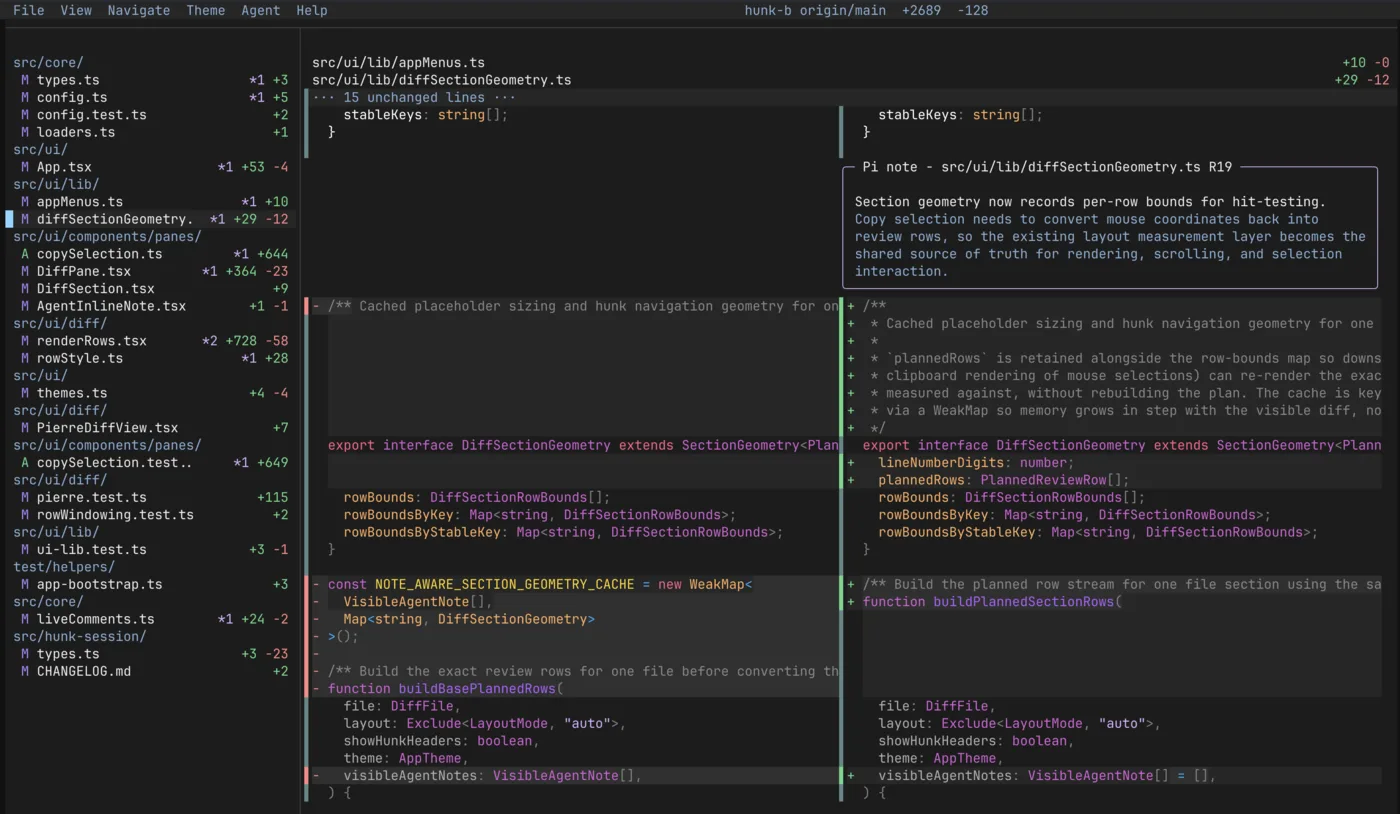
The sidebar indexes the same continuous stream shown in the main pane. Selecting a file jumps to it without hiding the rest of the changeset.
Review a commit
Section titled “Review a commit”hunk show # latest commithunk show HEAD~1 # an earlier commitA target is a Git ref or, in Jujutsu and Sapling workspaces, a native revset. Add path filtering after --:
hunk show HEAD~1 -- src/ui README.mdKeep the review fresh
Section titled “Keep the review fresh”hunk diff --watchHunk reloads the review as files change and keeps your place in it. Press q when finished. See Watch mode for which inputs can be watched.
Bring in an agent
Section titled “Bring in an agent”Install the review skill once:
npx skills add modem-dev/hunk -g --skill hunk-reviewKeep Hunk open and ask your coding agent to walk you through the changes. Agent notes start hidden; press a to show them. Continue with Review with an agent.